Why Fancy Text Shows as Boxes (and How to Fix It)
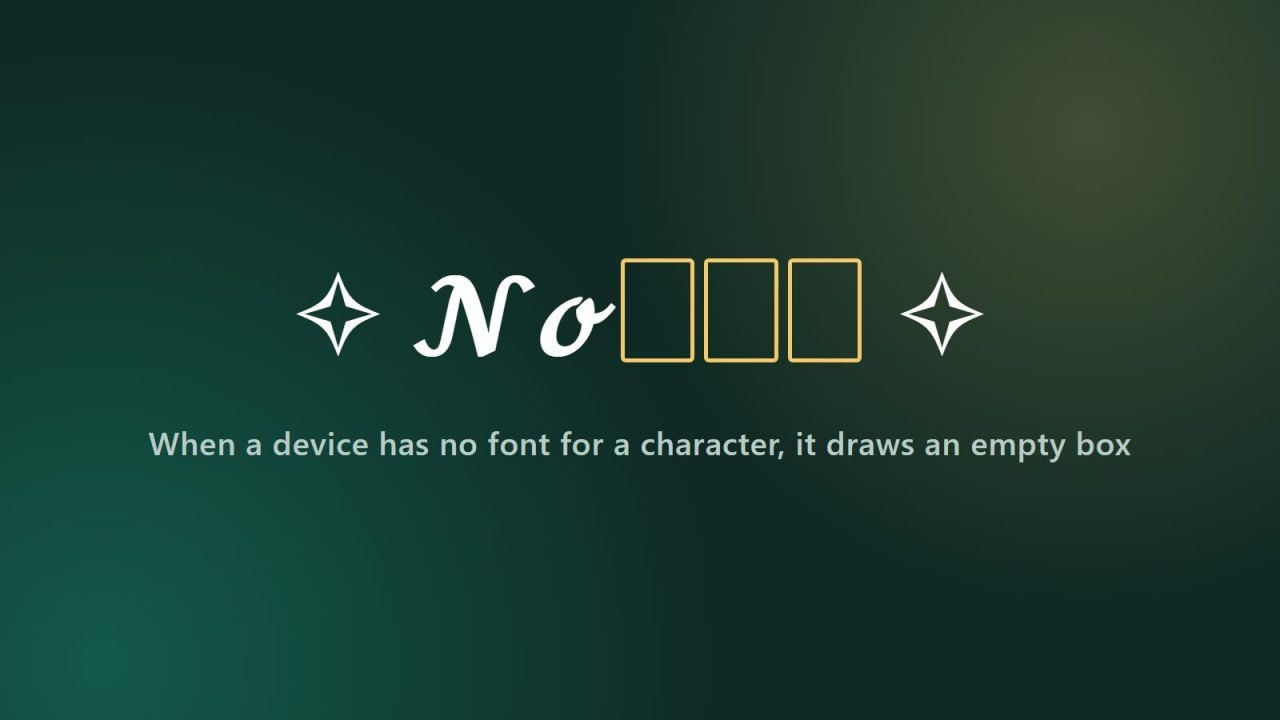
You made a beautiful name with fancy letters, and your friend sees ▯▯▯▯▯. Or a few letters look fine and the rest are empty rectangles or question marks. When fancy text shows as boxes, nothing is wrong with the text itself. The reader’s device simply has no way to draw it.
Why the boxes appear
Fancy text is made of special Unicode characters, not a font (see how fancy text works). To show any character, a device needs a font that contains a drawing of it, called a glyph. If none of the fonts on the device has a glyph for a character, the system shows a placeholder instead. Designers call these boxes “tofu”, because they look like little blocks of bean curd. Google even named its font family Noto, short for “no more tofu”.
The boxes are different from a question mark in a diamond (�). That symbol means the text itself was damaged, usually because an app or website stored it in an old format that cannot hold the character. In that case the character is gone, not just invisible.
Who sees the boxes?
- Older phones and computers. Fonts are updated with the operating system. A device that has not been updated in years may be missing newer characters and emoji.
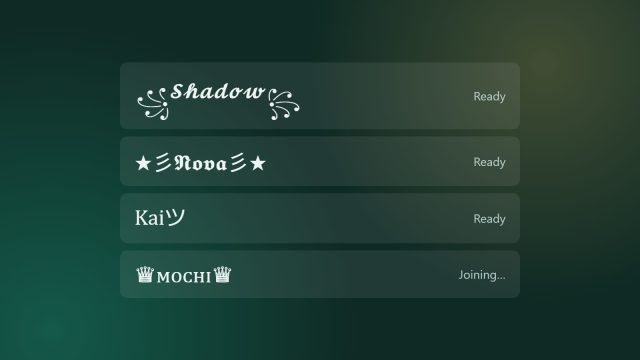
- Some apps and games. Apps that ship their own font, which is common in games, often include only basic letters. Fancy letters then show as boxes even on a new phone.
- Smart TVs, consoles, cars and watches. These usually have small font sets.
- Websites that set an unusual font without a fallback.
Which styles are safest?
As a rough guide, from most to least widely supported:
- Common symbols such as ★, ♡, ✿ and ♛, which have been around for decades.
- Bubble letters (Ⓐⓑⓒ) and full-width letters (Abc), which are in most fonts for East Asian languages.
- Mathematical styles: bold, italic, script, gothic, double-struck, sans and monospace. Supported by all current phones and computers, but often missing in games and older devices.
- Small caps and superscript letters. Most are widely supported, but a few rare ones may be missing.
- Black squared and black bubble letters (🅰, 🅐), plus newer emoji.
- Ornaments from other scripts such as ꧁ ꧂ (Javanese) and ࿐ (Tibetan), which need the right language font.
How to fix it
If you are the reader
- Update your phone or computer. Each update brings new fonts and emoji.
- Try a different app or browser. A website may show the text even when a game does not.
- On a computer, install a font with wide Unicode coverage, such as the free Noto fonts from Google, including Noto Sans Math and Noto Sans Symbols.
If you are the writer
- Pick a safer style from the top of the list above, especially for names in games.
- Test the text on another device, or ask a friend with an older phone to check.
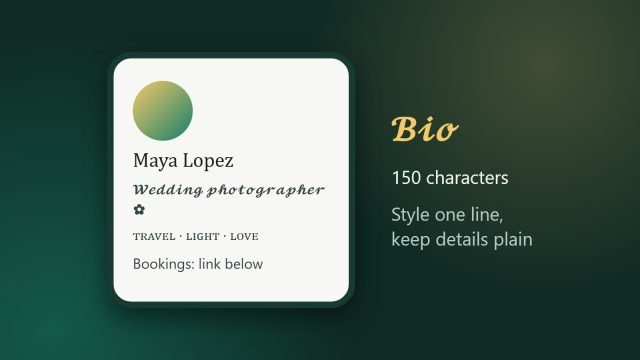
- Keep a plain version of anything important, so the message still makes sense if the fancy part fails.
- If a game shows boxes, it does not support those characters. Use plain letters with one simple symbol instead, such as Shadow★.
Still seeing boxes on FancyWord?
Our generators show text using the fonts on your device, so if a style shows boxes in the list, your device is missing those characters. The text you copy is still correct, and people with newer devices will see it properly. Try another style in the fancy text generator, or a symbol from the text decorator.