How to Change the Font in Your Instagram Bio
Instagram gives you fonts in Stories and Reels, but not in your profile. Yet plenty of bios use 𝓼𝓬𝓻𝓲𝓹𝓽, 𝗯𝗼𝗹𝗱 or ꜱᴍᴀʟʟ ᴄᴀᴘꜱ. The trick is to paste in Unicode letters that already look styled. Here is how to change the font in your Instagram bio, step by step.
Step 1: Make your fancy text
- Open the Instagram font generator on your phone or computer.
- Type your bio, or just the line you want to style. The counter shows how many of the 150 characters you have used.
- Find a font you like and tap Copy.
Step 2: Paste it into your profile
On the app:
- Go to your profile by tapping your picture at the bottom right.
- Tap Edit profile.
- Tap the Bio field (or Name to style your name).
- Delete the old text if you want, then press and hold and choose Paste.
- Tap Done or the tick to save.
On a computer: go to instagram.com, open your profile, click Edit profile, paste into the Bio field with Ctrl+V (or Cmd+V on a Mac), and click Submit.
Instagram changes its menus from time to time, so the buttons may be named a little differently on your version.
What you can and cannot change
- Bio: any fancy font works. The limit is 150 characters, and symbols and spaces count.
- Name: fancy fonts work, but think twice (see below). Instagram also limits how often you can change your name.
- Username (@handle): no. It can only contain letters, numbers, full stops and underscores.
- Captions and comments: yes, up to 2,200 characters per caption.
Tips for a great fancy bio
Style one line, not all of it
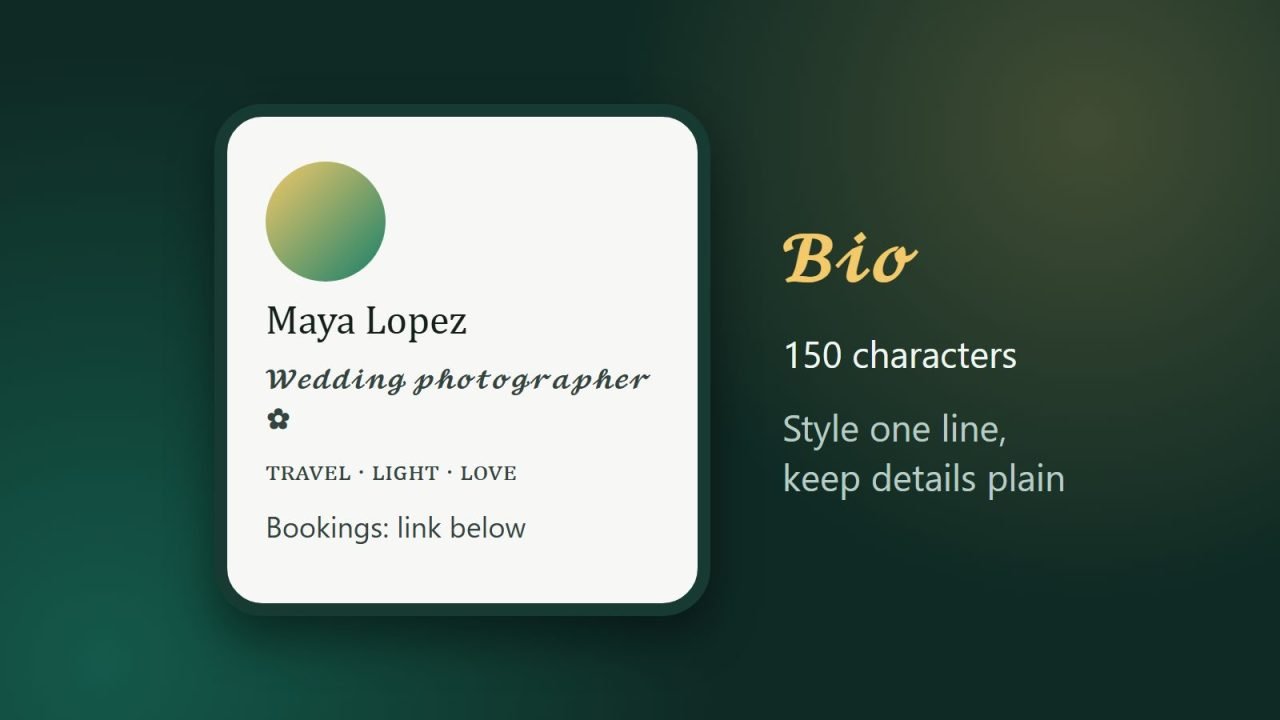
A fully fancy bio is hard to read, especially on a small screen. Style the first line, such as your title or tagline, and keep the details in plain text:
𝓦𝓮𝓭𝓭𝓲𝓷𝓰 𝓹𝓱𝓸𝓽𝓸𝓰𝓻𝓪𝓹𝓱𝓮𝓻
Based in Leeds, travels worldwide
Bookings: link below
Keep your name searchable
Instagram search looks at your username and your name. If your name is in script, people searching for you by name may not find you. Keep your name plain, or add one symbol or emoji to it, and save the fancy fonts for the bio.
Keep the important parts plain
Links, emails, prices and opening hours should be in normal text so everyone can read them, including people using screen readers. Our guide is fancy text accessible? explains why.
Check it on another phone
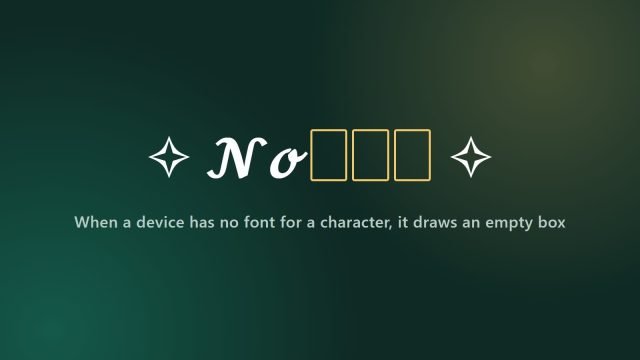
Most fancy fonts show on all current phones, but some symbols may appear as boxes on older ones. Look at your profile from a friend’s phone, or read why fancy text shows as boxes.
Line breaks
To put your bio on several lines, press Return between lines in the Bio field. If you write your bio somewhere else first, copy all of it at once so the line breaks come with it.
Does fancy text hurt your account?
Using Unicode fonts in your bio is common and is not against Instagram’s rules. What matters for reach is your content, not your font. The real costs are readability and searchability, so use fancy text as a finishing touch.
Ideas to try
- Bold for a call to action: 𝗡𝗲𝘄 𝗱𝗿𝗼𝗽 𝗙𝗿𝗶𝗱𝗮𝘆
- Small caps for a calm, minimal look: ᴄᴏꜰꜰᴇᴇ · ʙᴏᴏᴋꜱ · ʀᴀɪɴ
- Script with a frame from the text decorator: ✿ 𝒽𝑒𝓁𝓁𝑜 𝓈𝓊𝓃𝓈𝒽𝒾𝓃𝑒 ✿