Is Fancy Text Accessible? What Screen Readers Hear
Fancy text is fun, and it is everywhere: in bios, names, captions and comments. But for the millions of people who use a screen reader, it can turn a simple message into nonsense. So, is fancy text accessible? Mostly not, but you can use it in ways that do little harm.
What a screen reader hears
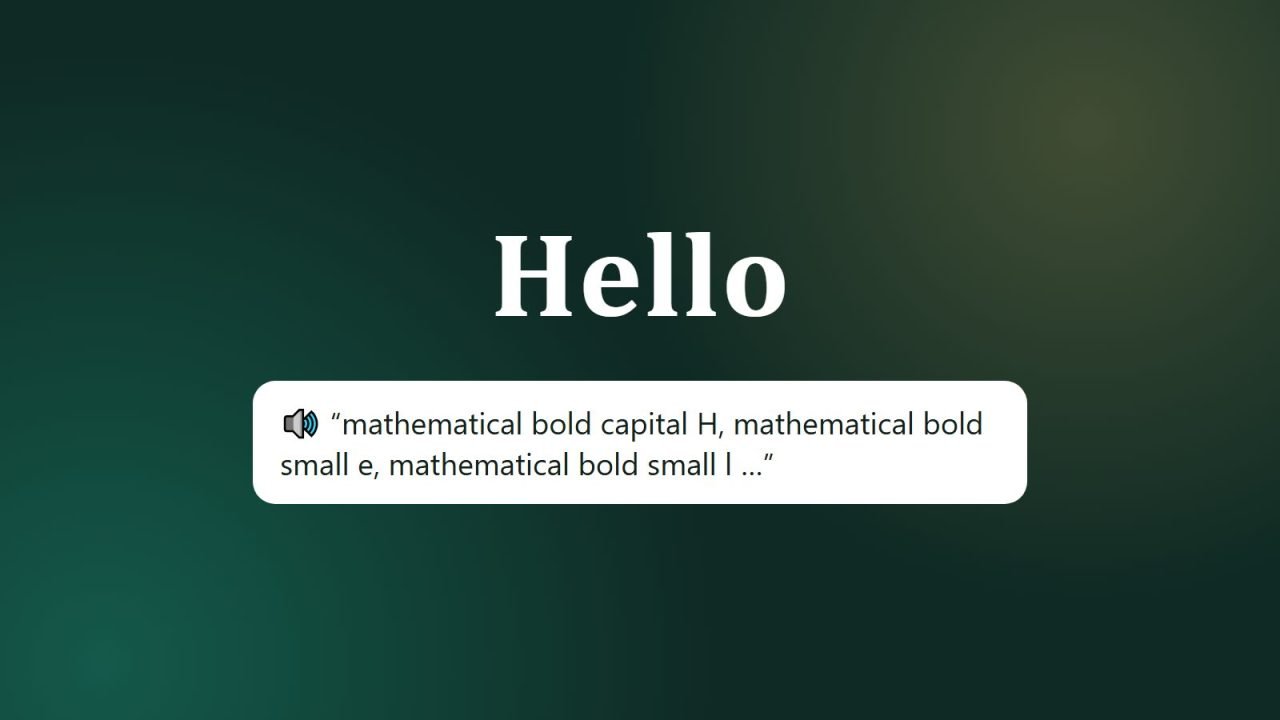
Screen readers such as VoiceOver on iPhone and Mac, TalkBack on Android, and NVDA and JAWS on Windows turn text into speech or braille. They know how to read the word “Hello”. But 𝐇𝐞𝐥𝐥𝐨 is not that word. It is five separate mathematical symbols, and each screen reader handles them differently. Depending on the reader, its version and its settings, a listener might hear:
- the full character names, one by one: “mathematical bold capital H, mathematical bold small e, …”,
- the letters spelled out without the word being recognised: “H, e, l, l, o”,
- nothing at all, because the reader skips symbols it does not know,
- or, with newer readers and some styles, the word read normally.
Screen readers are getting better at this, but you cannot know which experience your reader will get. Braille displays have similar problems, often showing codes for each character.
Which styles are worst?
| Style | Typical problem |
|---|---|
| Bold, italic, script, gothic, double-struck | Read as “mathematical …” names or skipped |
| Bubble and squared letters | Read as “circled latin small letter …” or “negative squared …” |
| Small caps and superscript | Read as phonetic or “modifier letter” names |
| Upside-down text | A jumble of unrelated characters in reverse order |
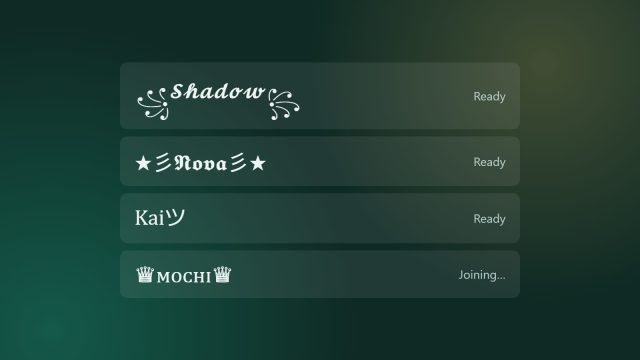
| Decorations and letters with symbols between | Every symbol is announced: “black star”, “white heart suit” |
| Strikethrough and underline | Usually readable, but some readers announce the marks |
It is not only screen readers
- Dyslexia and low vision. Script, gothic and bubble letters are harder to recognise than plain letters, and tiny superscript can be unreadable.
- Translation. Translation tools usually do not recognise fancy letters, so the words are not translated.
- Search. Your post or profile will not show up for the words written in fancy text.
How to use fancy text kindly
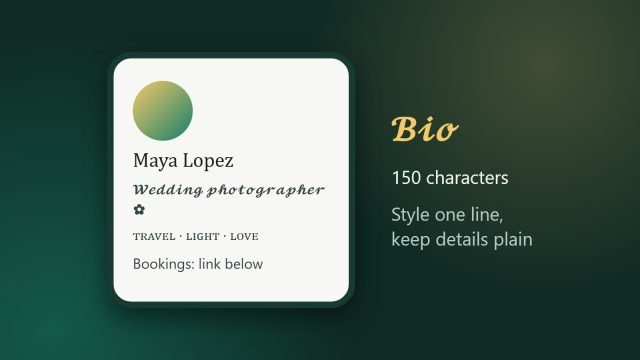
- Style a word, not a message. A fancy name or one bold heading is fine. A whole bio or caption in script is not.
- Keep the important parts plain. Dates, prices, links, addresses, opening hours and calls to action should always be normal text.
- Do not put meaning in decorations. If you write ★ SALE ★, the word sale should still be there in plain letters.
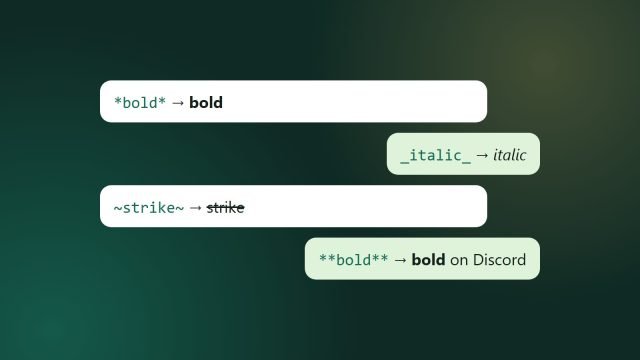
- Use real formatting where it exists. WhatsApp, Discord, Slack, email and documents have proper bold and italic that screen readers understand. Our guide to bold and italic in chat apps lists the shortcuts.
- Avoid fancy text in names people need to find. A plain name with one symbol is easier to search and to hear.
- Use emoji with care too. Each emoji is read out by name, so a row of ten is ten announcements.
A quick test
You can hear what your text sounds like. On an iPhone, turn on VoiceOver in Settings, under Accessibility, and tap your bio. On Android, use TalkBack. On Windows, the free NVDA screen reader works with any browser. Listening once is the best way to understand why it matters.
The bottom line
Fancy text is not banned or wrong, and it is a fun way to express yourself. Just treat it as decoration, keep anything that matters in plain letters, and everyone can enjoy your posts. Ready to try? The fancy text generator has over 30 styles, and the Instagram font generator is built for bios.